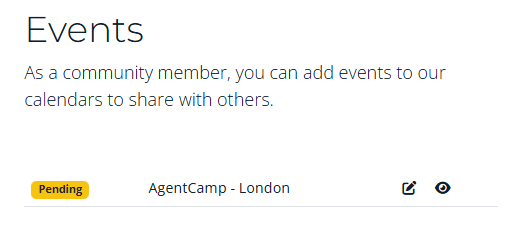
To register your event as part of AgentCamp 2026 follow the guidance below.
Step 1 - Login:
- Login to with an existing account, or create a new account on globalai.community
- Navigate to: https://globalai.community/my/add-event
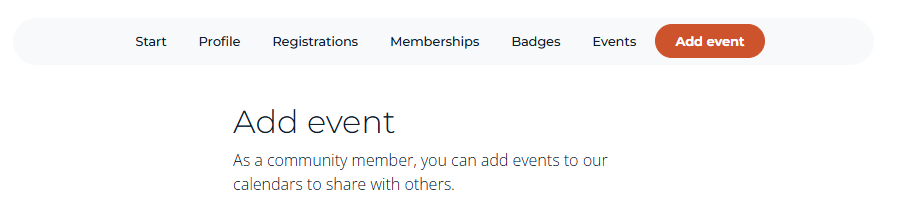
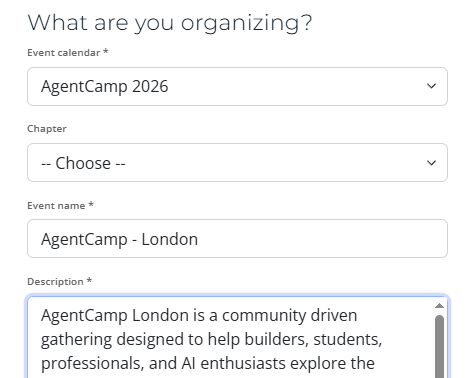
Step 2 - What are you organizing
- Selected the agenda: AgentCamp 2026
- Chapter: If you are a chapter lead you can select your chapter else leave it empty.
- Name: Follow the guidance: AgentCamp - [Cityname], do not change the name the format of the name.
- Description: Enter a small description for the event. You can use markdown to format the description.
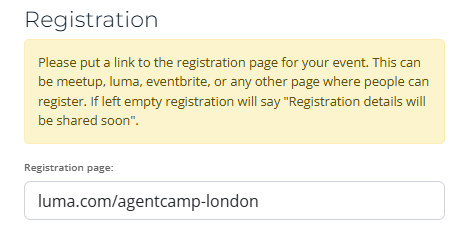
Step 3 - Registration
- Enter the external link to the registration page, if you are a chapter lead you can opt-inn for "One-Click" registration.
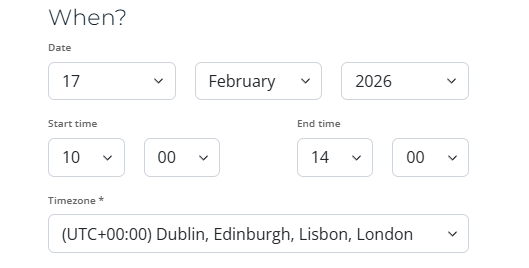
Step 4 - When
- Enter the date
- Enter the time, use the local time
- Set the timezone
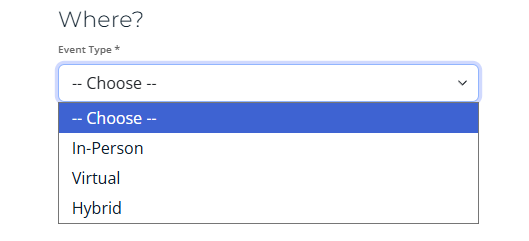
Step 5 - Where
- Select the event type
- Fill out the details.
Step 6 - Save
- Save the event
- After saving the event the event is submitted for review and will be published soon.